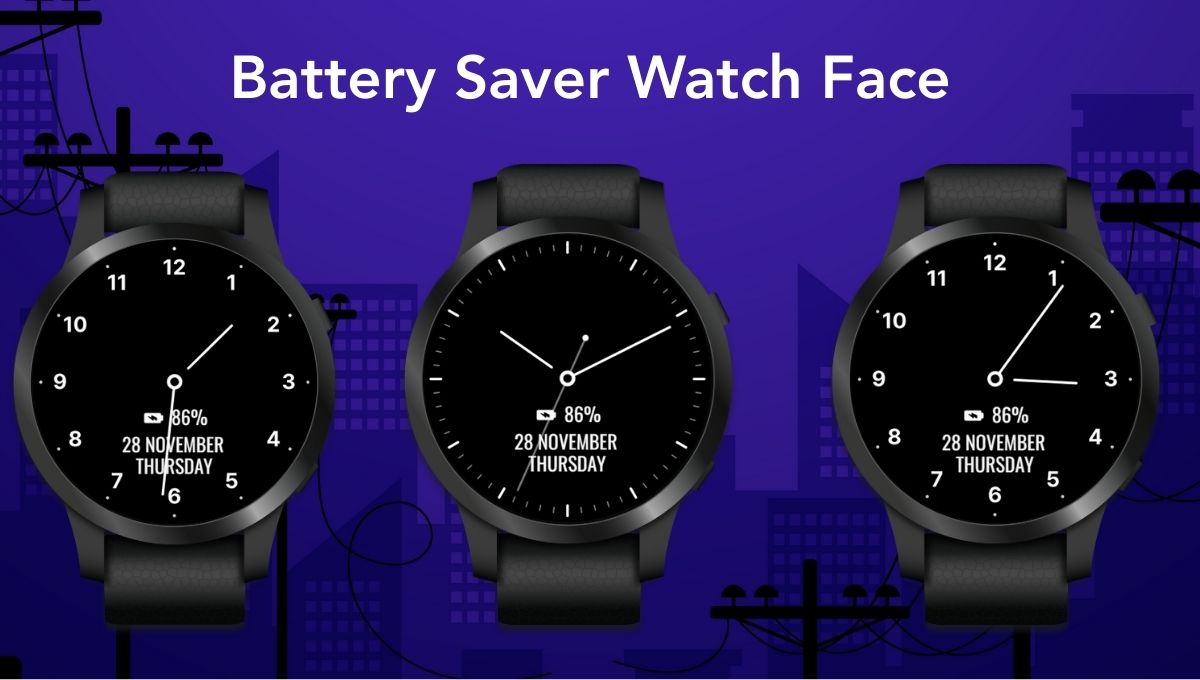
Battery Saver Watch Face is designed for Wear OS users who want longer battery life without sacrificing style.
Battery life is one of the most important concerns for Wear OS smartwatch users. Whether you are traveling, working long hours, or simply want your watch to last longer between charges, choosing the right watch face plays a major role in battery performance.
That’s where Battery Saver Watch Face comes in.
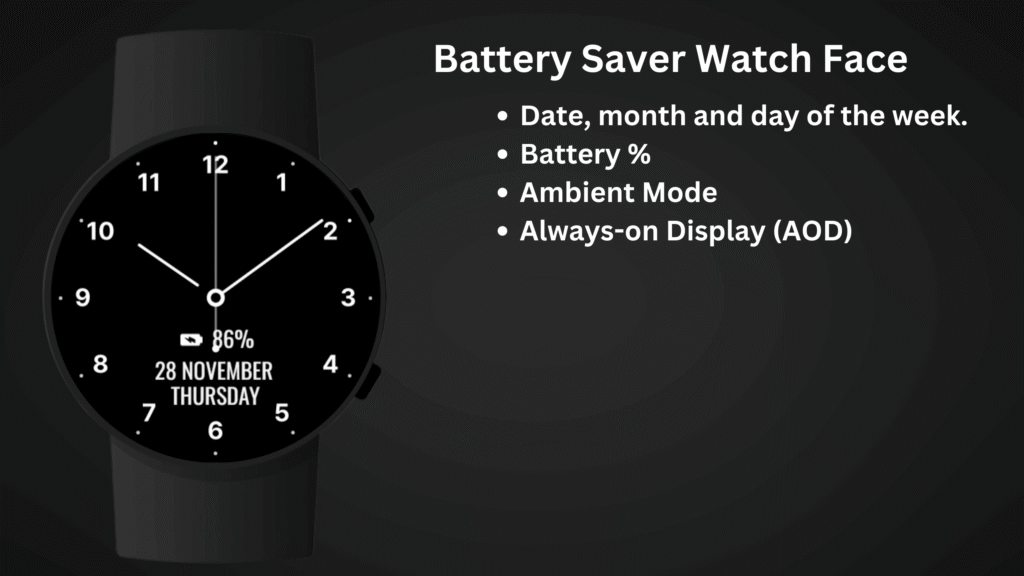
Designed with simplicity, efficiency, and practicality in mind, this minimalist analog watch face helps reduce power consumption while still showing the essential information you need every day.
Why Battery Saver Watch Face Improves Wear OS Battery Life
Wear OS smartwatches are powerful devices. They track your health, show notifications, connect to your phone, and run apps. However, all these features can quickly drain the battery—especially when combined with heavy animations, bright colors, and complex digital effects.
Many users don’t realize that watch faces alone can significantly impact battery usage. Animated backgrounds, frequent refresh rates, and unnecessary visual elements consume more power than needed.
A battery-optimized watch face can:
- Reduce screen refresh activity
- Lower pixel power usage (especially on AMOLED displays)
- Minimize background processing
- Improve standby and idle time
Battery Saver Watch Face is built with these exact principles.
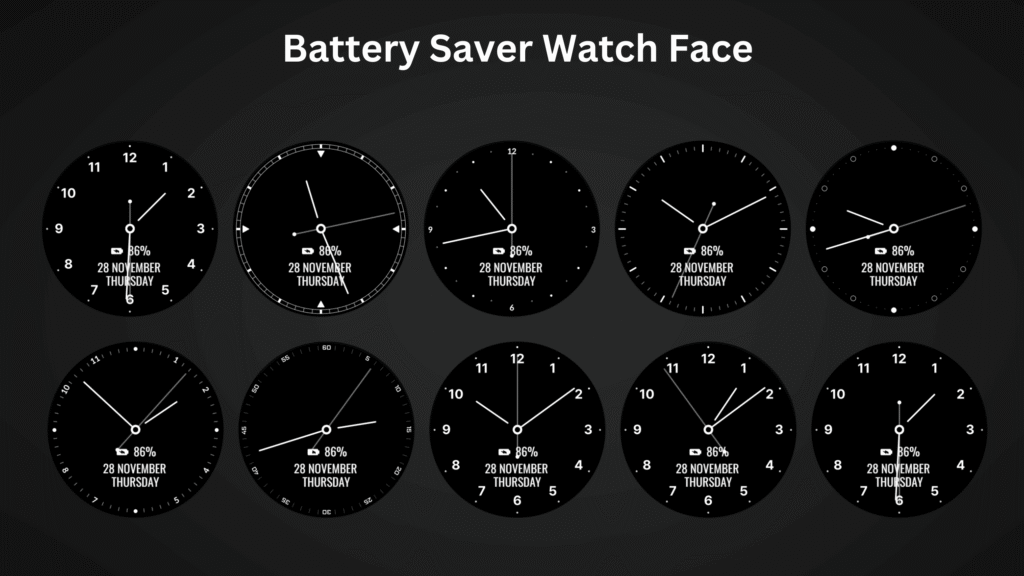
What Is Battery Saver Watch Face for Wear OS?
Battery Saver Watch Face is a simple analog watch face for Wear OS, created to help users extend battery life without losing essential functionality.
Instead of flashy animations and bright graphics, it focuses on:
- Clean analog design
- Minimal visual elements
- Essential daily information
- True black background support for AMOLED screens
This makes it ideal for users who value performance, clarity, and long battery life.
Battery Saver Watch Face – Clean & Minimal Analog Design
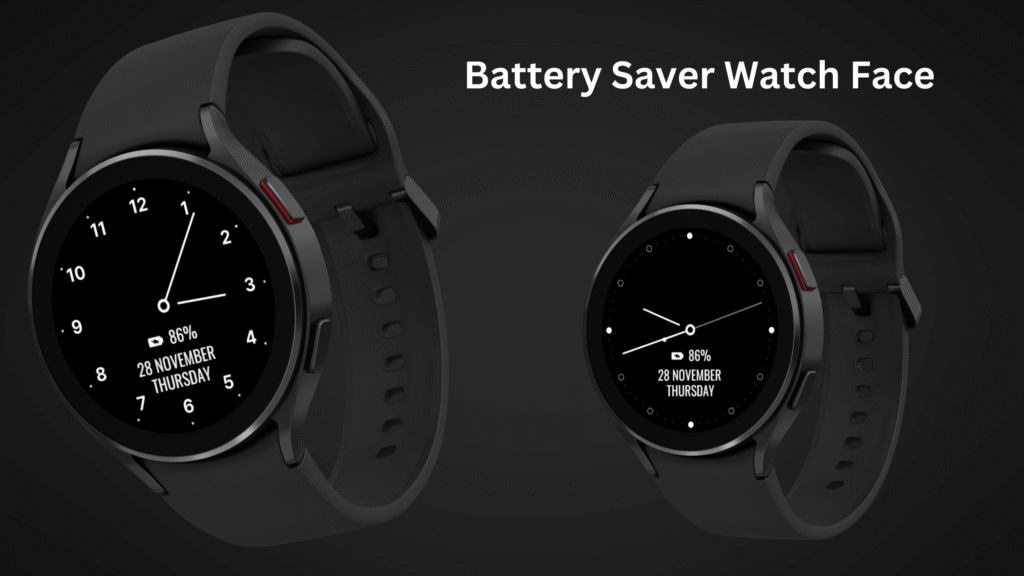
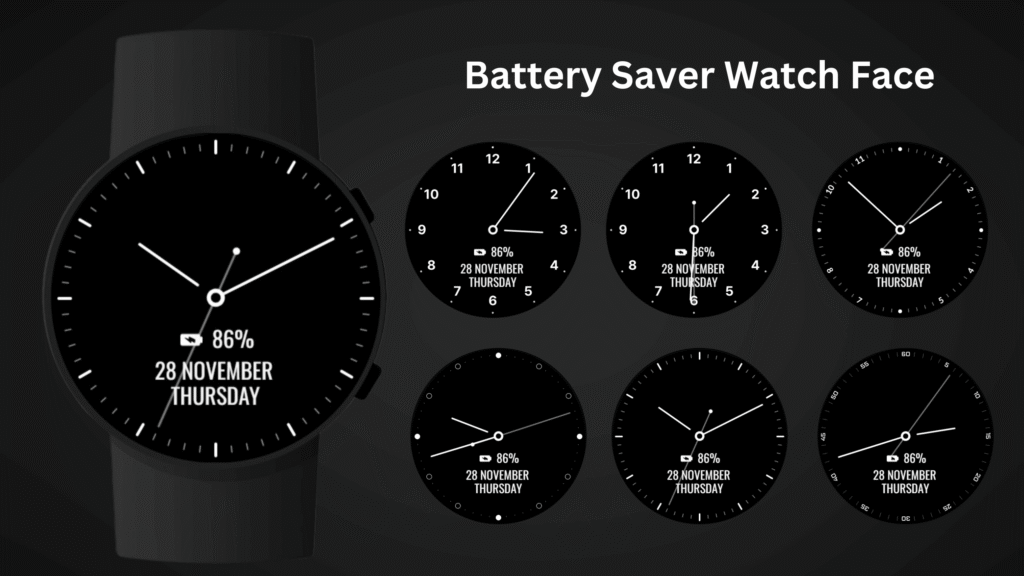
The watch face features a classic analog clock layout with 5 index styles, giving it a balanced and elegant appearance. The minimal design ensures the screen remains easy to read while keeping power consumption low.
Key Design Highlights:
- Simple analog hands
- Clear hour markers
- No unnecessary animations
- Minimal color usage
- Optimized for round watches
Because fewer pixels are active, especially on dark backgrounds, your smartwatch uses less energy throughout the day.
Essential Information at a Glance
Even with a minimalist approach, Battery Saver Watch Face doesn’t compromise on usefulness. It displays the most important information users typically check multiple times a day.
Displayed Information:
- Time (Analog Clock)
- Date
- Month
- Day of the Week
- Watch Battery Percentage ⭐
The battery percentage indicator is especially useful for travelers, professionals, and anyone who wants to manage charging more efficiently.
Always-On Display (AOD) & Ambient Mode Support
Battery Saver Watch Face fully supports:
- Always-On Display (AOD)
- Ambient Mode
In AOD mode, the watch face switches to a low-power, simplified display that reduces brightness and refresh frequency. This allows users to see the time at all times while minimizing battery drain.
Battery Tip:
For maximum battery savings, it is recommended to disable Always-On Display from your watch settings. This significantly increases overall battery life, especially on older devices.
Built Specifically for Battery Optimization 🔋
This watch face is carefully designed to reduce power usage by:
- Avoiding heavy animations
- Using static elements instead of dynamic ones
- Supporting AMOLED-friendly dark backgrounds
- Reducing screen refresh frequency
As a result, users often notice better battery performance compared to decorative or animated watch faces.
Perfect for Daily Use & Travel
Battery Saver Watch Face is ideal for:
- Long workdays
- Travel and outdoor use
- Users who charge once every 1–2 days
- People who prefer simple, readable designs
If you rely on your smartwatch throughout the day, this watch face helps ensure your battery lasts when you need it most.
Simple Installation Process
After installing the Battery Saver Watch Face, setting it up is quick and easy.
How to Install:
- Open the Companion App on your phone
- Tap “Install on Watch”
- On your smartwatch, open Watch Face Settings or Watch Face Gallery
- Select Battery Saver Watch Face
That’s it! Your watch face is now ready to use.
Compatibility & Device Support :
Battery Saver Watch Face is compatible with:
✅ All Wear OS devices (API 33+)
✅ Google Pixel Watch
✅ Samsung Galaxy Watch series
✅ Other round Wear OS smartwatches
❌ Not suitable for rectangular watches
This ensures consistent performance and visual clarity across supported devices.
Who Should Use Battery Saver Watch Face?
This watch face is perfect for:
- Users focused on battery efficiency
- People who prefer analog watches
- Minimalist design lovers
- Travelers and professionals
- Users who dislike cluttered watch faces
If your priority is battery life + clean design, this watch face is an excellent choice.
Why Choose Battery Saver Watch Face Over Others?
Many watch faces focus on looks first and performance second. Battery Saver Watch Face does the opposite—performance first, design second, without sacrificing usability.
Key Advantages:
- Lower battery consumption
- Clean and professional appearance
- Easy-to-read analog layout
- No unnecessary distractions
- Optimized for Wear OS
Smartwatches should make life easier—not force you to charge them multiple times a day. With Battery Saver Watch Face, you get a practical, minimalist analog watch face designed to help your Wear OS device last longer on a single charge.
If you are tired of flashy watch faces draining your battery, this is a smart and reliable alternative.
Simple. Efficient. Battery-Friendly.
Thank you for choosing Battery Saver Watch Face ❤️
Enjoy longer battery life and a cleaner smartwatch experience !