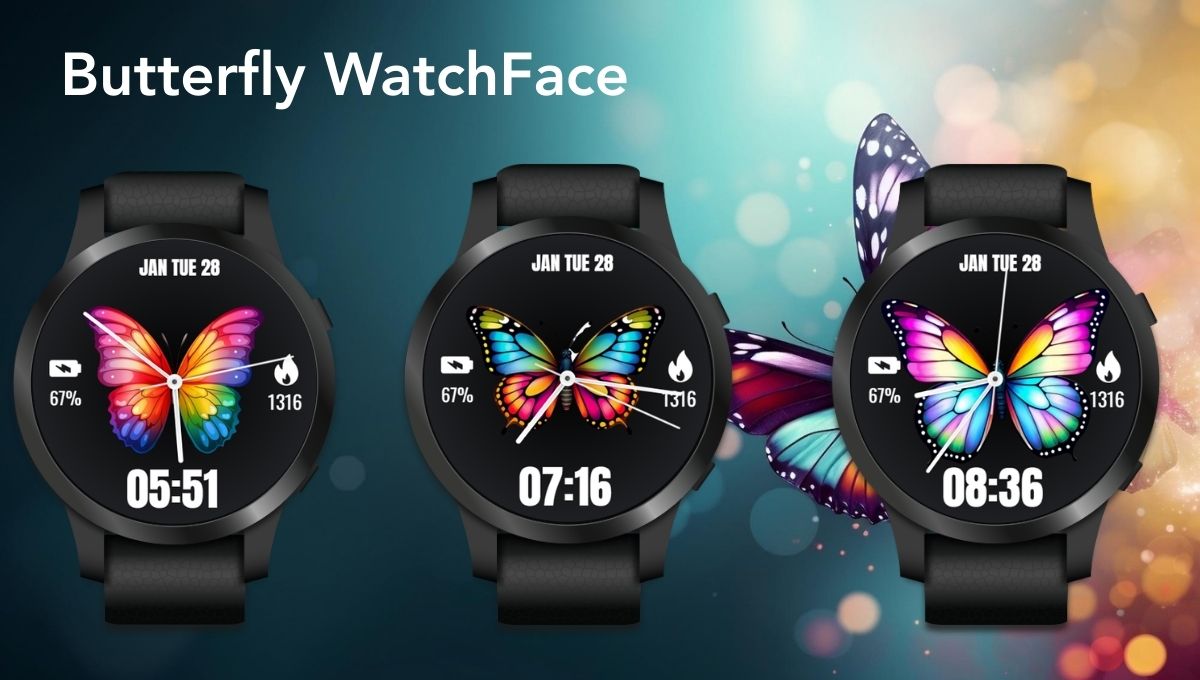
Smartwatches are no longer just gadgets — they are an extension of your personality. The watch face you choose says a lot about your style. If you love vibrant colors, elegant design, and functional simplicity, the Butterfly Watch Face for Wear OS is designed just for you.
This beautifully crafted watch face combines a stunning rainbow butterfly dial with practical everyday features like battery percentage, steps counter, date display, Ambient Mode, and Always-On Display (AOD). Let’s explore why this watch face is becoming a favorite among Wear OS users.

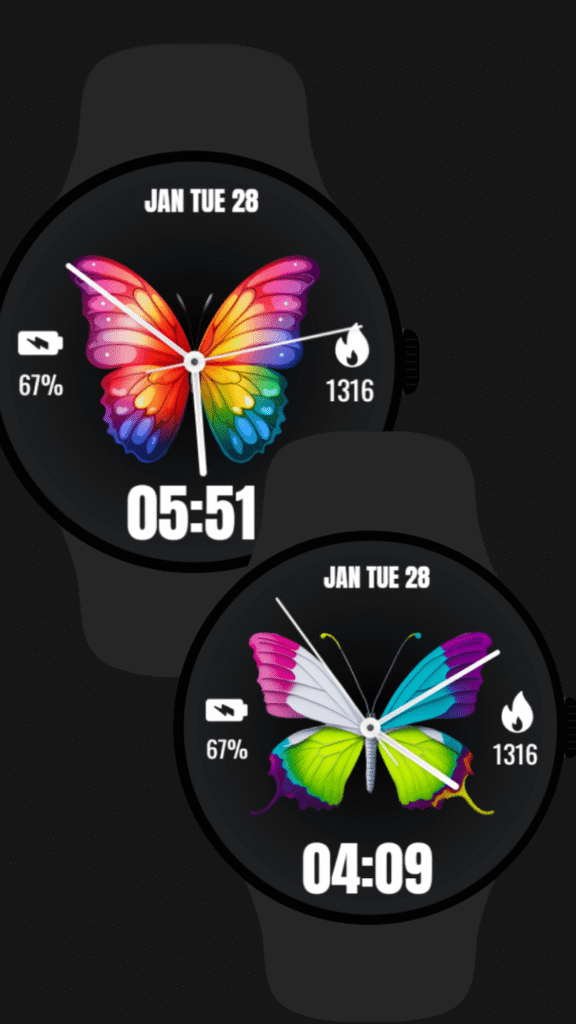
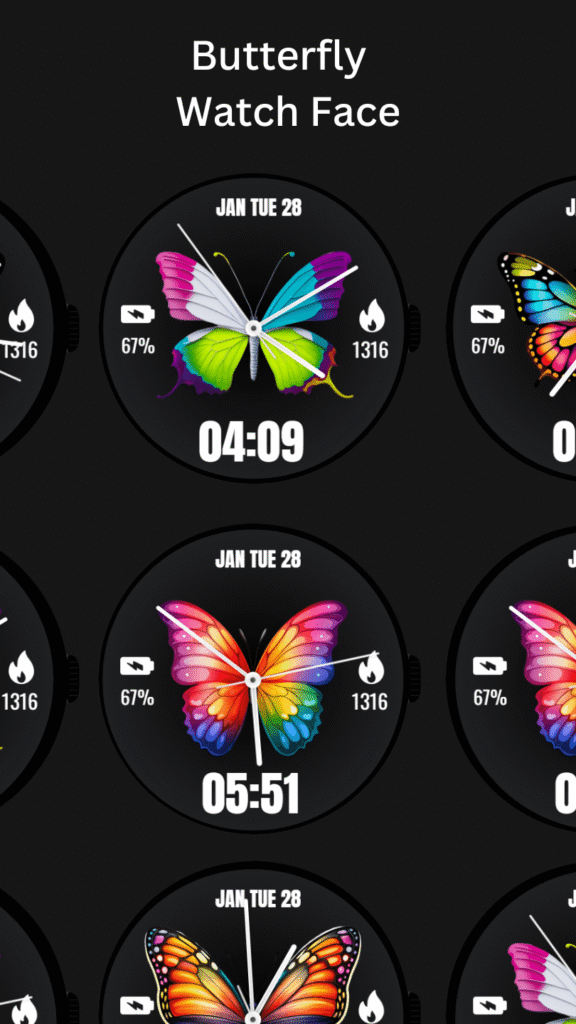
🌈 A Beautiful Butterfly Theme for Your Wrist
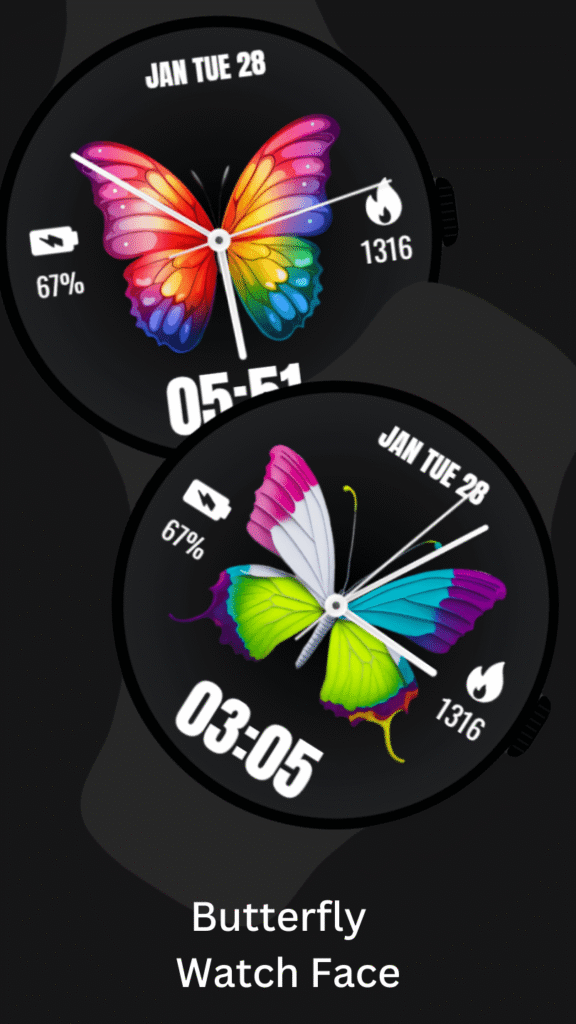
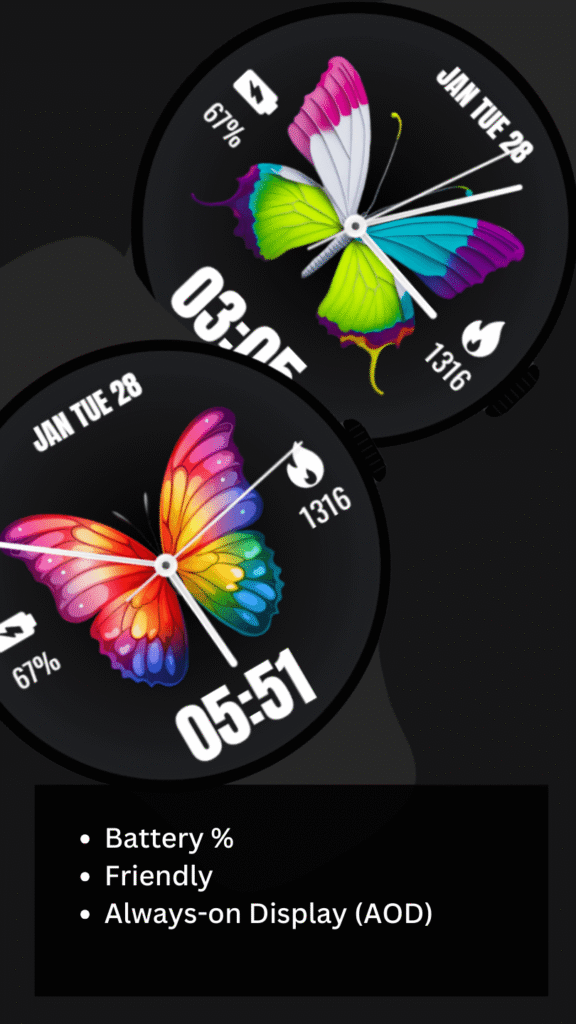
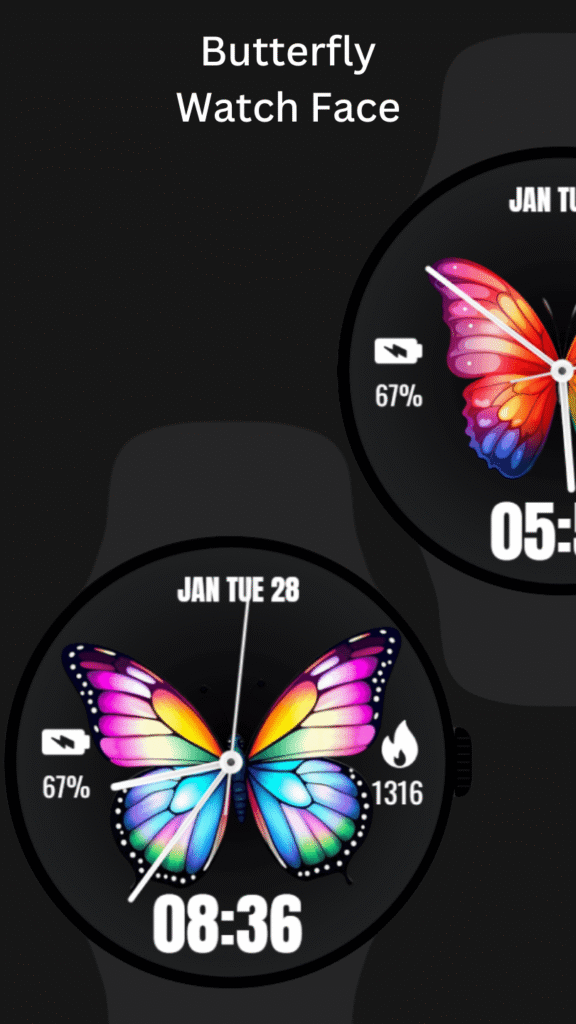
The highlight of the Butterfly Watch Face is its colorful butterfly dial. The vibrant wings create a lively, aesthetic look while maintaining a clean black AMOLED-friendly background.
Whether you’re using a:
- Samsung Galaxy Watch
- Google Pixel Watch
- Or any other Wear OS round smartwatch
This butterfly theme watch face instantly enhances your device’s appearance.
The design is crafted carefully to ensure:
- High-definition graphics
- Smooth analog hands
- Clear time readability
- Elegant modern layout
If you are searching for a colorful butterfly watch face, rainbow butterfly watch face, or a butterfly analog watch face for Wear OS, this design checks all the boxes.
⏰ Functional Yet Minimal
Beauty without function is incomplete. That’s why this butterfly smartwatch face balances elegance with practical features.
⚙️ Watch Face Features
✔ Date, Month & Day of the Week
✔ Battery Percentage Indicator
✔ Steps Counter (Fitness Tracking Support)
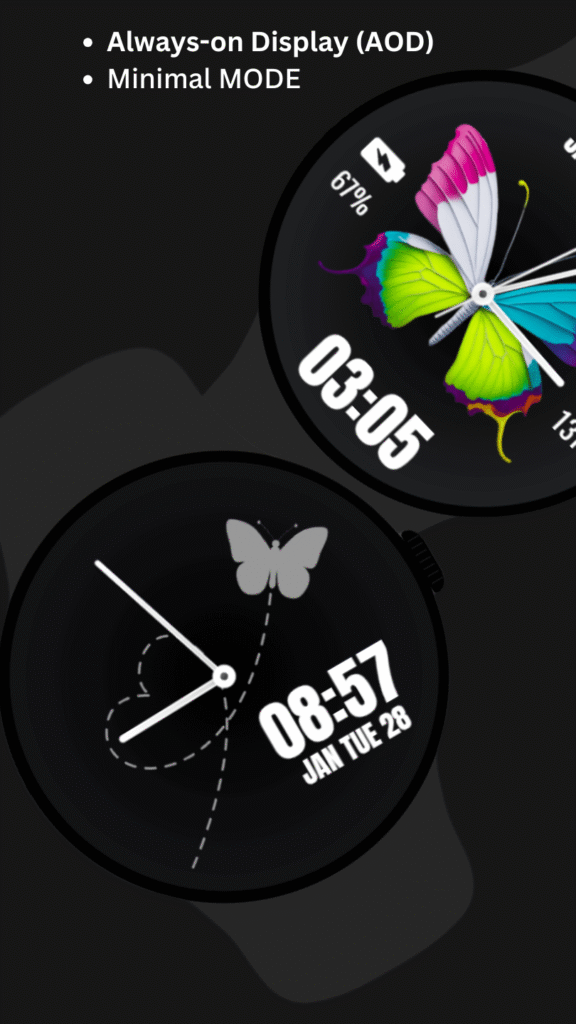
✔ Ambient Mode
✔ Always-On Display (AOD)
✔ Minimal Mode Option
You get both style and smart functionality in one wearable dial.
🔋 Battery Friendly Design (AMOLED Optimized)
One of the biggest concerns for smartwatch users is battery life. This watch face is designed with battery efficiency in mind.
- Dark theme background helps AMOLED screens consume less power
- Minimal graphics in Ambient Mode
- Optimized Always-On Display
For users who want even better performance, you can disable the Always-On Display (AOD) from settings.
This makes it a perfect Wear OS battery-friendly watch face.
🏃 Fitness & Daily Tracking Support
The Butterfly Watch Face is not just about looks — it also supports daily tracking features.
- 📊 Steps Counter
- 🔋 Battery Percentage
- 📅 Date Information
Whether you’re walking, working, or attending meetings, everything you need is visible at a glance.
If you’re searching for a butterfly watch face with steps counter or butterfly watch face with battery percentage, this one delivers both.
👩 Perfect for Women & Aesthetic Lovers
This butterfly dial is especially loved by:
- Women smartwatch users
- Users who prefer girly or aesthetic watch faces
- Those who enjoy colorful and vibrant themes
The elegant butterfly theme adds charm without looking over-designed. It’s modern, stylish, and suitable for daily wear.
Keywords users often search:
- Cute watch face
- Women watch face
- Ladies smartwatch face
- Aesthetic butterfly theme
This watch face matches all those style preferences.
🖤 Minimal Mode for Clean Look
If you prefer a simpler appearance, you can use the Minimal Mode. It removes heavy design elements while keeping essential information visible.
Minimal mode is ideal for:
- Office settings
- Professional environments
- Battery saving situations
It transforms the colorful dial into a subtle and clean layout while maintaining the butterfly theme identity.
📱 Device Compatibility
The Butterfly Watch Face is compatible with:
- Wear OS devices (API 33+)
- Samsung Galaxy Watch 4, 5, 6
- Google Pixel Watch
- Other round Wear OS smartwatches
⚠ Not suitable for rectangular watches.
If you are searching for:
- Butterfly watch face for Samsung Galaxy Watch
- Butterfly watch face for Pixel Watch
- Round Wear OS butterfly dial
This watch face is fully optimized for those devices.
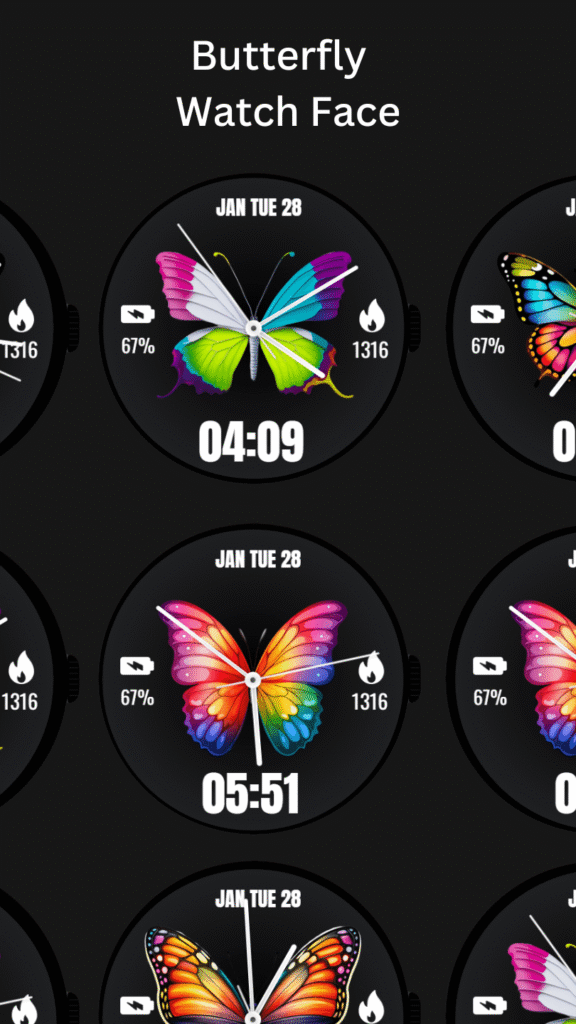
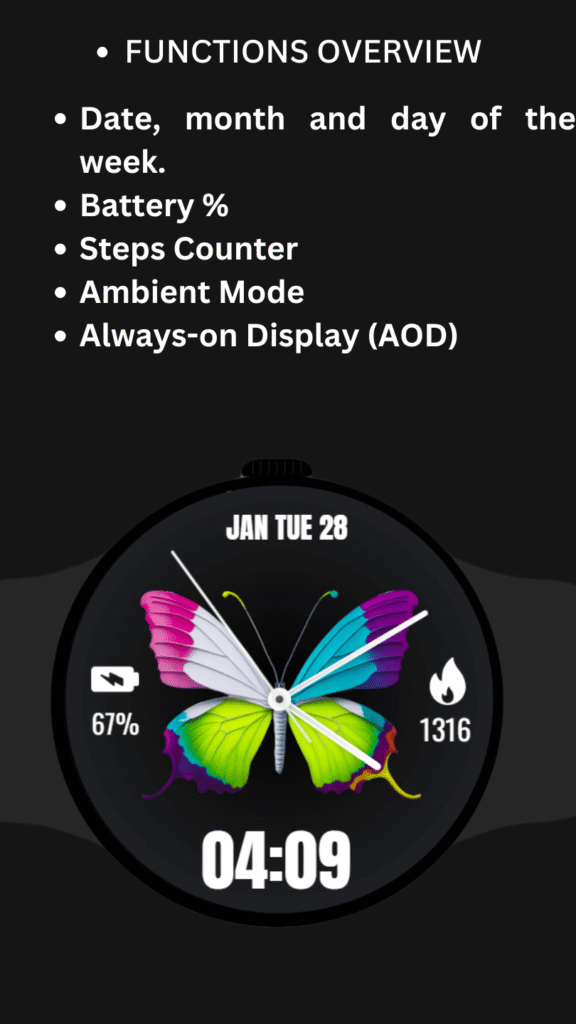
🎨 Why Choose This Butterfly Watch Face for Wear OS?
Butterflies symbolize:
- Freedom
- Transformation
- Beauty
- Positivity
Wearing a butterfly clock face can add a joyful and vibrant touch to your daily routine. It’s more than a watch dial — it’s a mood enhancer.
The rainbow color combination creates a lively yet elegant smartwatch experience.
🚀 Easy Installation Guide
After installing the Butterfly WatchFace, follow these simple steps:
1️⃣ Open the Companion App on your phone.
2️⃣ Tap “Install on Watch.”
3️⃣ Select the Butterfly WatchFace from your watch face gallery.
Your watch face is now ready to use.
Simple, quick, and user-friendly.
💡 Who Should Download This Watch Face?
This butterfly smartwatch face is ideal for:
✔ Wear OS users who love colorful themes
✔ Fitness-conscious users who track steps
✔ AMOLED display smartwatch owners
✔ Samsung Galaxy Watch users
✔ Pixel Watch users
✔ Women & aesthetic design lovers
✔ Users looking for a modern analog watch face
If you are searching for the best butterfly watch face for Wear OS, this design offers beauty, clarity, and functionality together.
🏁 Final Thoughts
The Butterfly Watch Face for Wear OS is a perfect blend of vibrant design and smart utility. With features like steps counter, battery percentage, ambient mode, and Always-On Display support, it delivers both beauty and practicality.
If you want to transform your smartwatch into something colorful, elegant, and unique — this butterfly theme watch face is a fantastic choice.
Upgrade your wrist style today and let your smartwatch bloom with vibrant butterfly wings.